Why we built Kryspal Media
We keep large libraries of our own, and we built Kryspal Media because the media server we were using kept getting in our way. Five things bothered us. Each one became a decision, and below you can see how we answered it.
Browsing slowed to a crawl
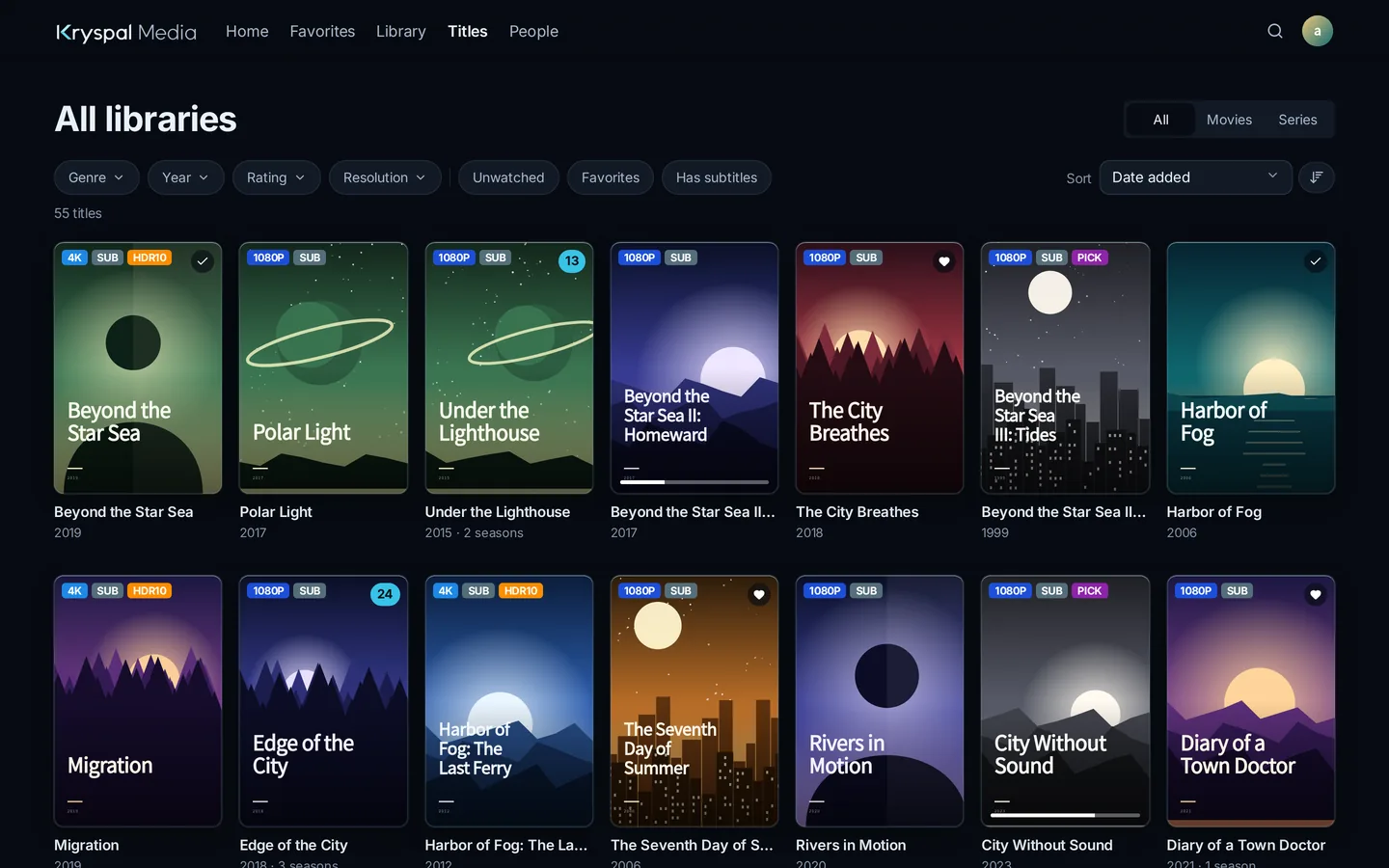
Once the library got big, every page took a moment longer. Scrolling, sorting and filtering all felt heavy. Titles, people, watch history and search now live in PostgreSQL, so a library of nearly 200,000 titles still opens without waiting. Filters for genre, year, rating, resolution and watched state work across the whole library.
Search often found nothing
You remembered half a title and got an empty page. In Kryspal Media, three letters match anywhere in a title, so "bys" finds Abyss, and a leading The can be left out. Catalog numbers and provider IDs such as tt0133093 work too, and so do people's names. The search tips list everything you can type.
Basics needed plugins
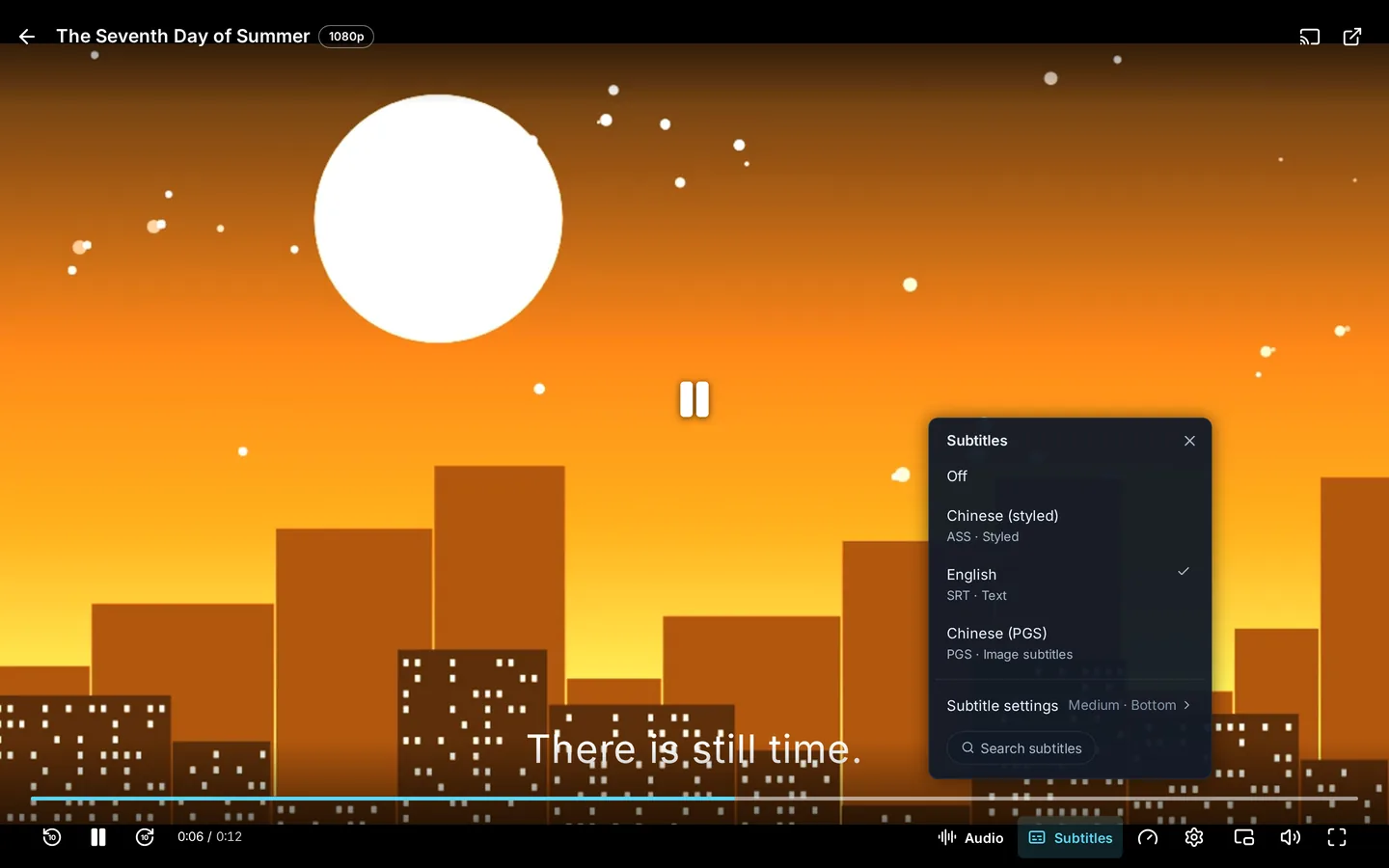
Many everyday things came as add-ons you had to find and keep up to date. We put the common ones inside the server: a web player with audio and subtitle menus, import from Emby or Jellyfin, and WebDAV and cloud-drive libraries, which are free. Plugins stay for what is genuinely optional, such as where metadata comes from, so the server is useful the moment it starts.
Files had to be renamed first
We did not want to download something and rename it into a fixed format before the server would accept it. A folder named after the title and year is read directly, an ID such as tmdbid-27205 in the name makes matching exact, and many other layouts work too: see flexible file layout. For truly messy release names, name recognition reads the title, year, season and episode. We will be straight about it: name recognition is a PRO feature.
Transcoding did not help anyone
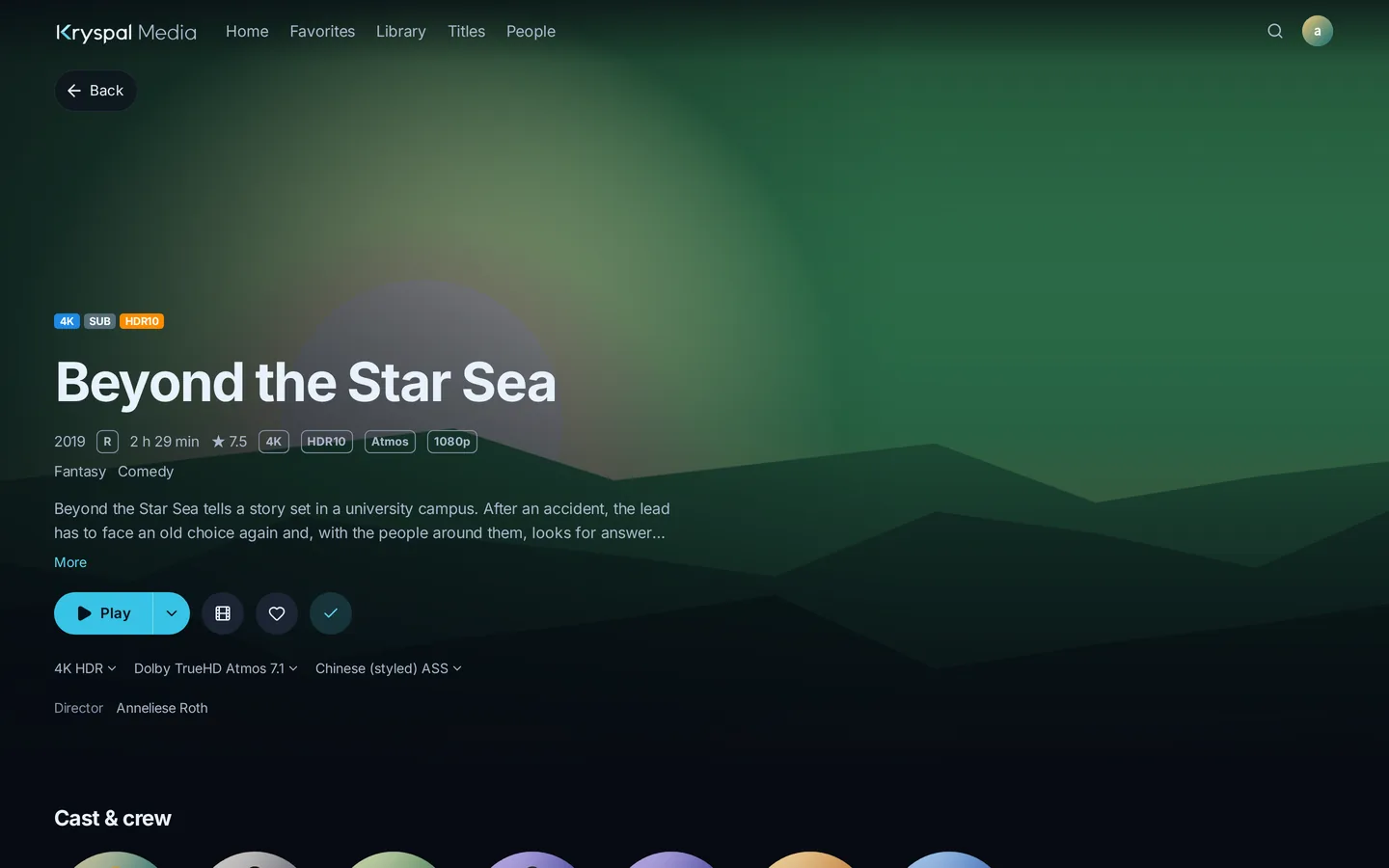
Today's players and TVs decode almost everything themselves, so re-encoding only burns CPU and blurs the picture. Kryspal Media never re-encodes video. It sends your file as it is, so 4K, HDR10, Dolby Vision signaling and lossless audio reach the player exactly as they are in the file, on every plan. Only the web player sometimes needs help: it repackages the file for the browser, and converts audio the browser cannot play into AAC. The video stays exactly as it was. The player does the decoding, so check that your devices can play your files.
Who it is for
It suits big libraries, players such as Infuse, SenPlayer and VidHub that talk to Emby or Jellyfin servers, people who want original quality, and media on a NAS or a cloud drive. It does not suit you if you need the server to transcode for an old device. Then Kryspal Media cannot help, and we would rather tell you that now than after you install it.
The free plan covers the basics. PRO and MAX add conveniences such as automatic intro detection and backups, never picture quality. See the plans.
What comes next
We are building native apps and working toward 1.0. We will not promise dates, but the direction stays the same: a small server, original quality and nothing to tune. If something here does not match your experience, tell us.
Ready to try it? Install it with Docker, or move over from Emby or Jellyfin. You can also try PRO free for 14 days.