Features
Everything you need.
Nothing you do not.
A tour of what Kryspal Media does, one thing at a time.
Performance
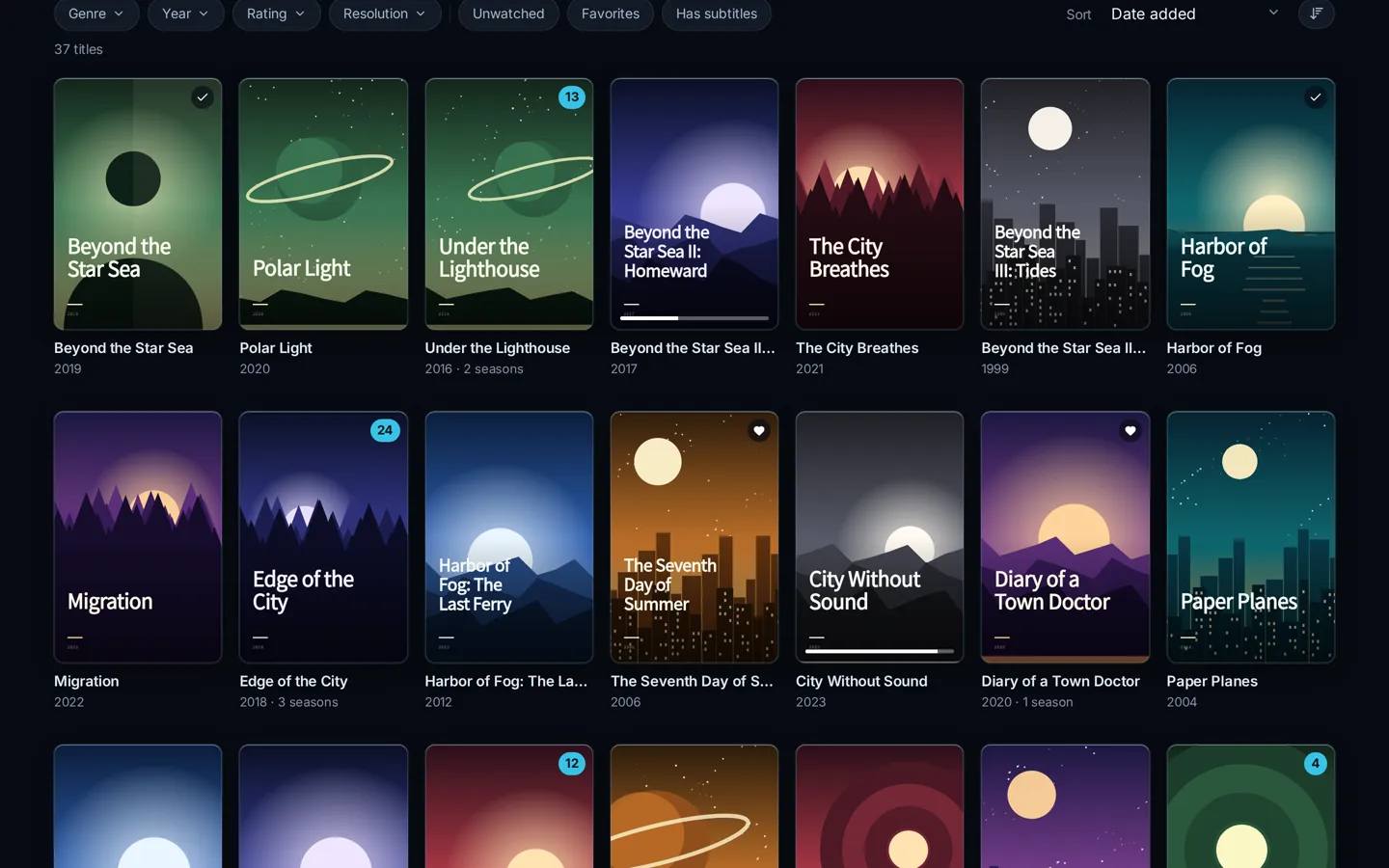
Built for huge libraries.
Up to 30× faster browsing and search than traditional media servers. 100,000+ movies and 5,000+ series on a single NAS stay instant, and a restart is ready in under a second.
- About 50 ms to browse at that scale
- Ready in under a second after a restart
- Only changed files are scanned
Direct play
Original quality, straight from your disk.
Kryspal Media never re-encodes video. No GPU needed, no fan noise, no waiting. When a browser cannot play an audio format, only the audio is converted.
- Light on the CPU, so a modest NAS is enough
- The picture is exactly what is in the file
- Subtitles are never burned into the video
Compatibility
Works with 3rd-party players for Emby and Jellyfin.
Keep the players on your phone, TV and set-top box. Kryspal Media speaks their protocols. You pick one mode in the admin console, one at a time.
- One mode at a time: Emby, Jellyfin, or Kryspal-native only
- Sign in with the same members you set up in the console
- Or use Kryspal’s own players
Choose one in the admin console
Web viewer
A viewer that feels like an app.
Home with featured titles, continue watching, favorites, people and search, in any modern browser. Streaming uses HLS, with Dolby Vision signaling, and AirPlay from Safari.
- Resume anywhere, on any screen
- Light and dark themes that follow your device
- Profiles with optional PIN for the whole household

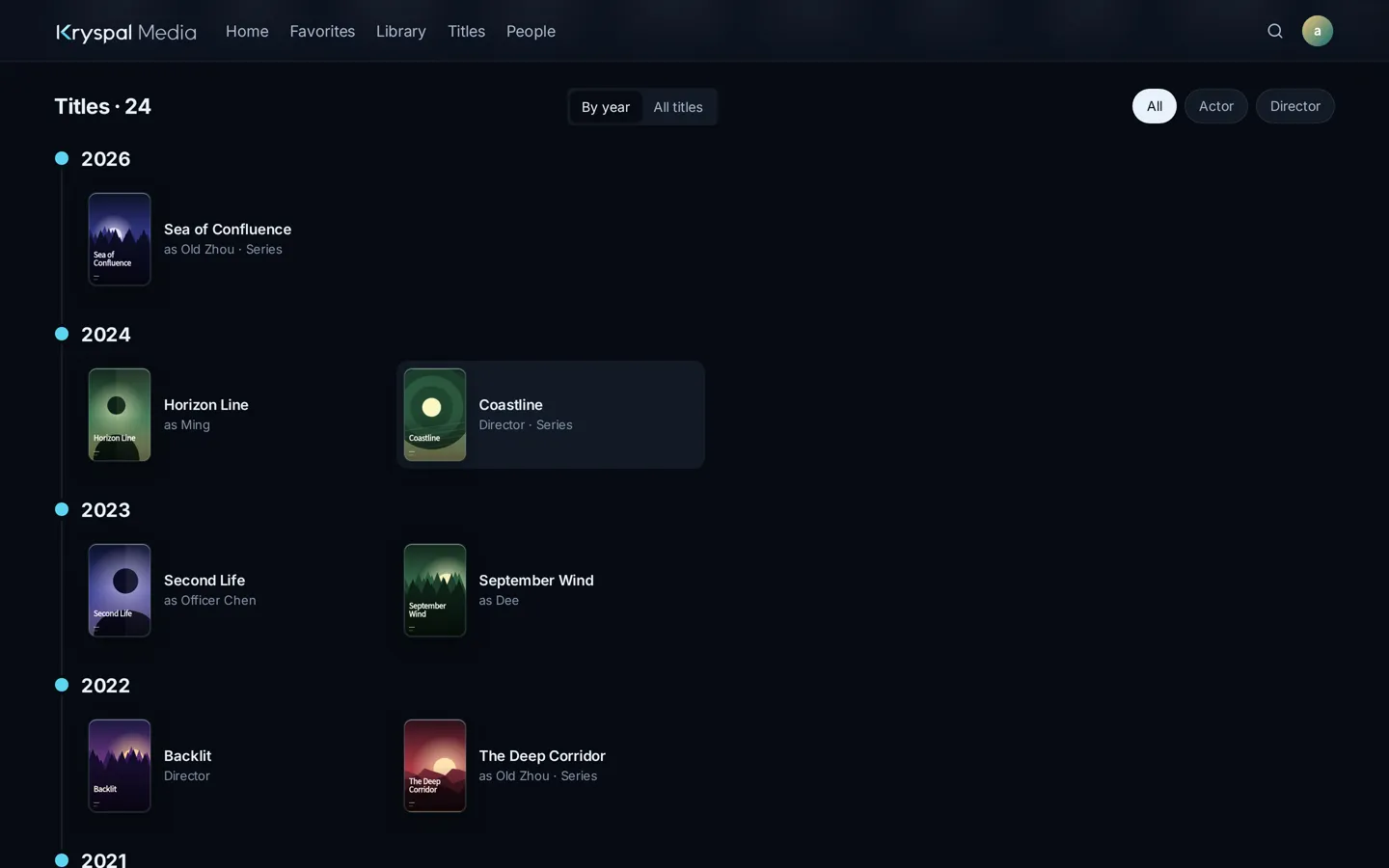
Actors
Follow the actors you love.
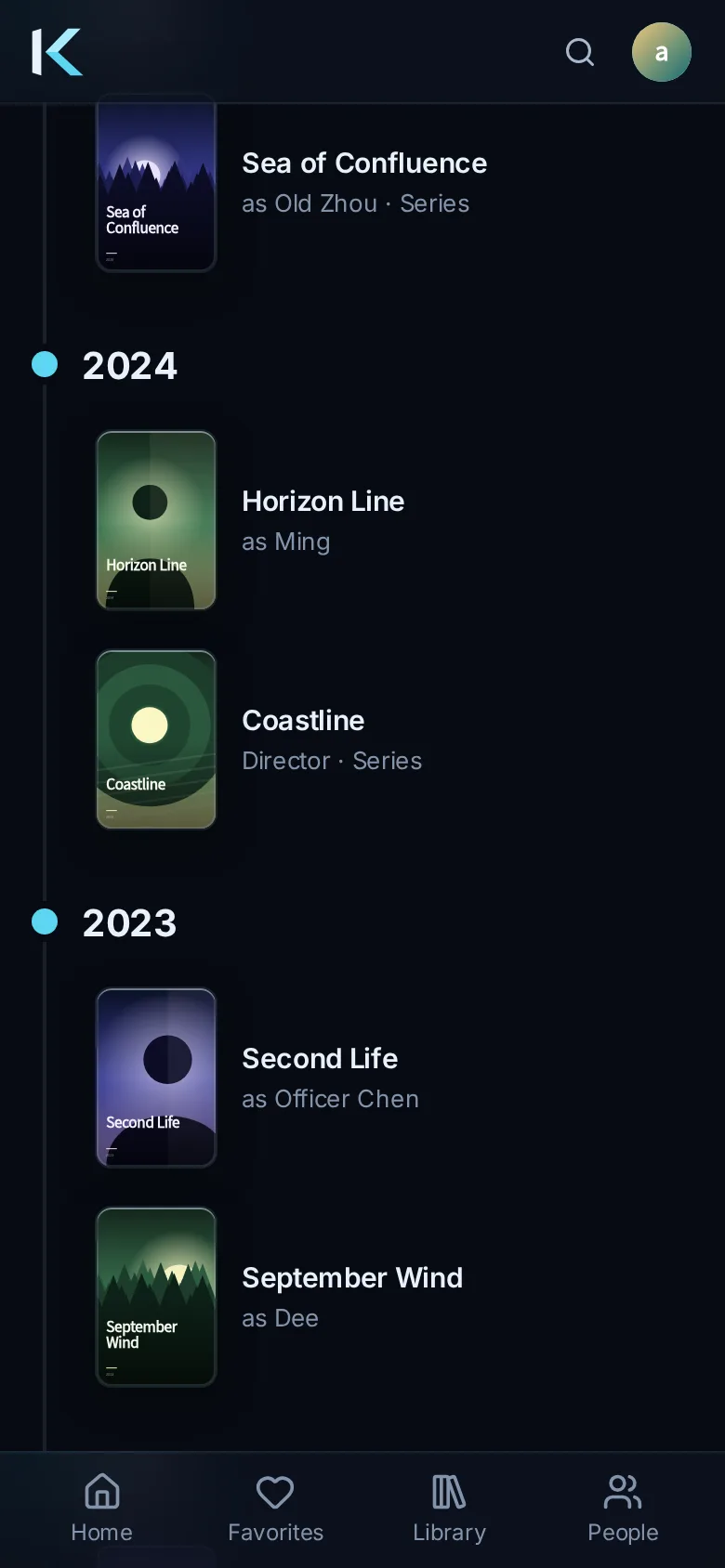
Every film and series on one timeline, by year.
- Works grouped by year on the actor page
- Filter by role: actor, director, writer
Subtitles
Subtitles done properly.
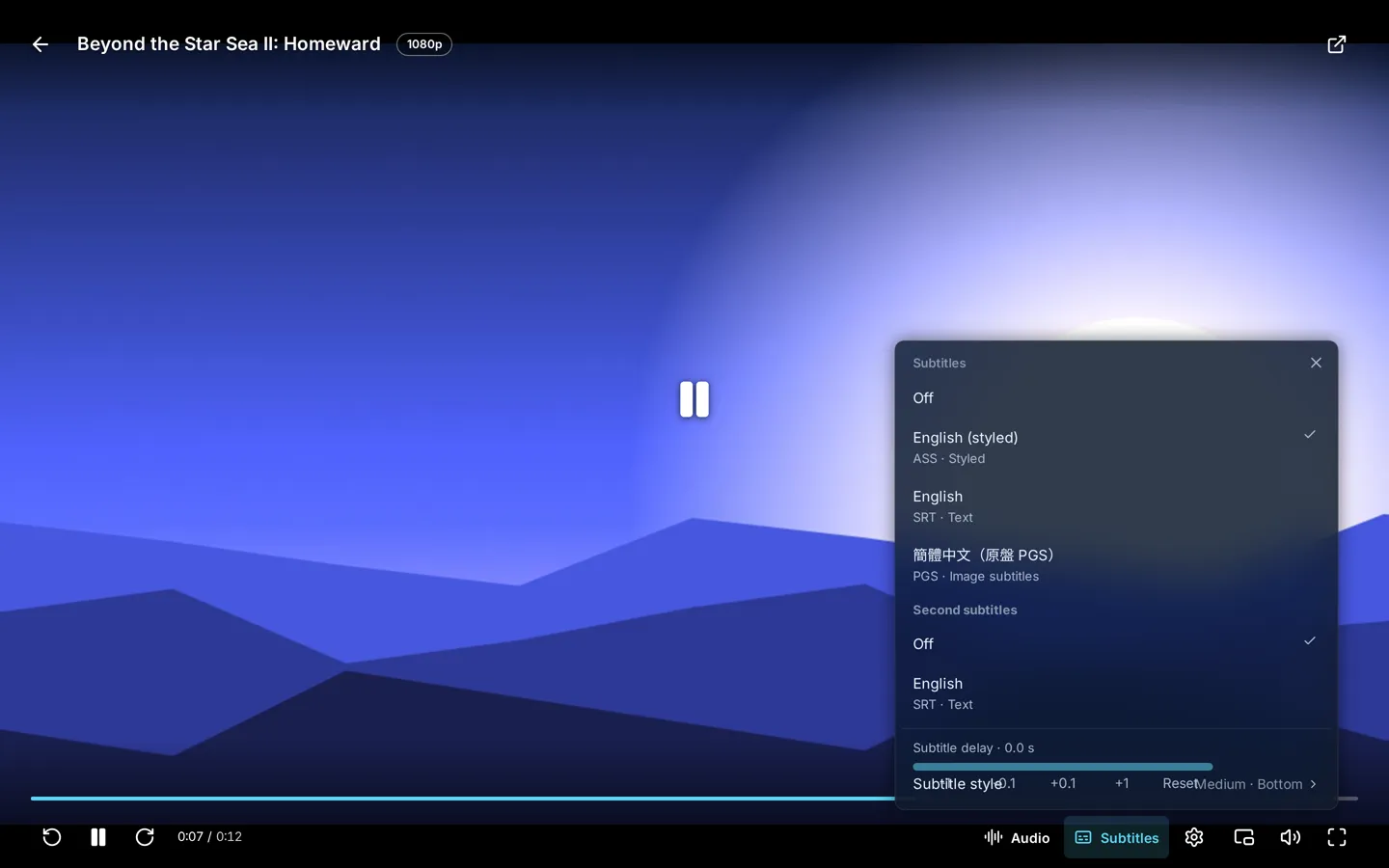
Styled ASS subtitles keep their look, graphic subtitles are shown as they are, and you can shift timing or show two languages at once.
- ASS styling and fonts preserved
- Graphic subtitles (PGS) supported
- Adjustable subtitle delay
- Dual subtitles
Skip intros and credits
Straight to the story.
A Skip button appears when an intro or the end credits begin, so binge-watching stays smooth. You can also choose which kinds to skip automatically.
- One tap to skip
- Choose what to skip automatically

Metadata
Messy file names, tidy library.
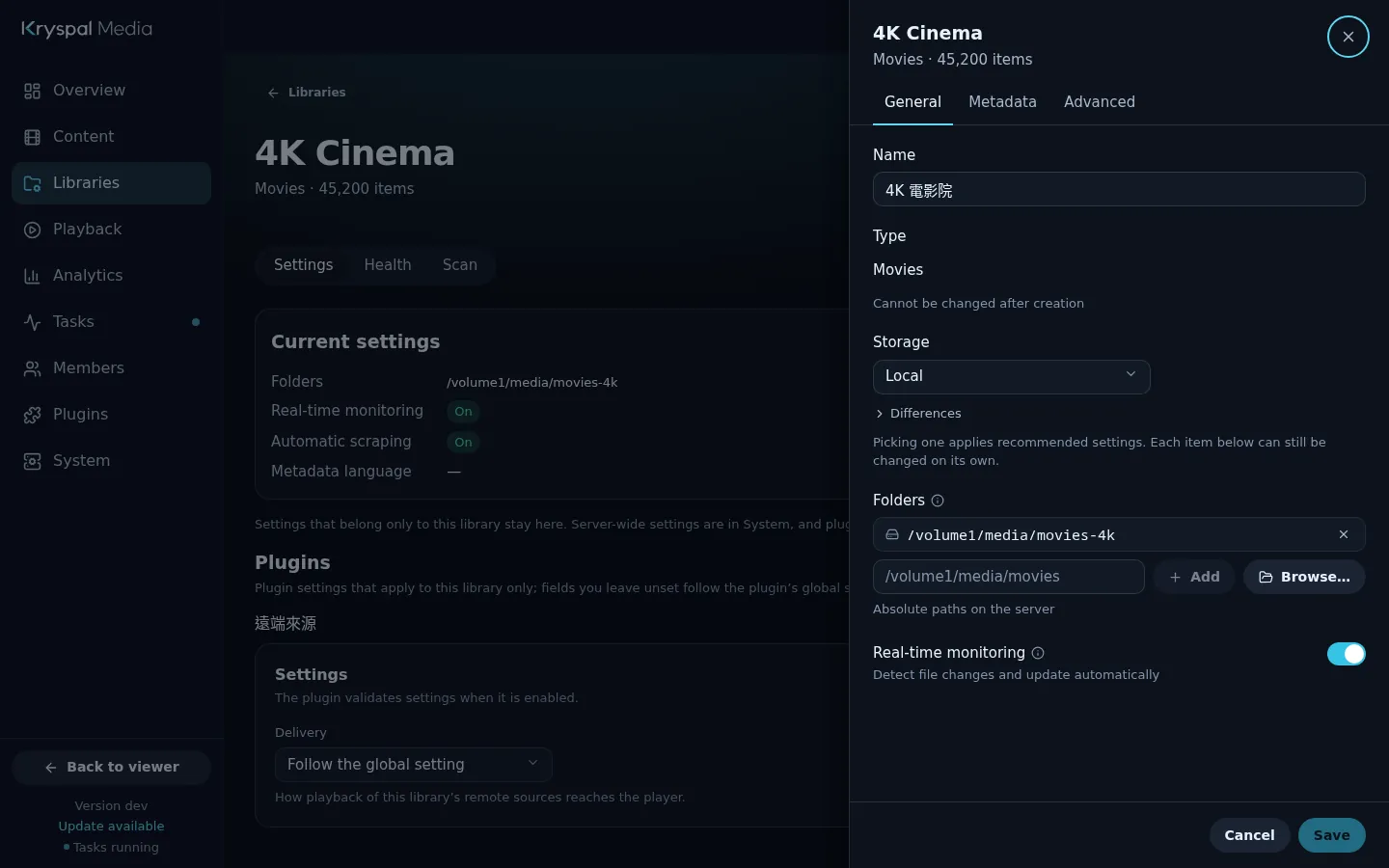
Titles are matched against several metadata sources to fill in posters, plots, cast and ratings. Name recognition cleans up difficult file names, and every library has its own rules.
- Posters, plots, cast and ratings
- Name recognition for tricky file names
- Per-library sources, language and options
Import
Bring your history with you.
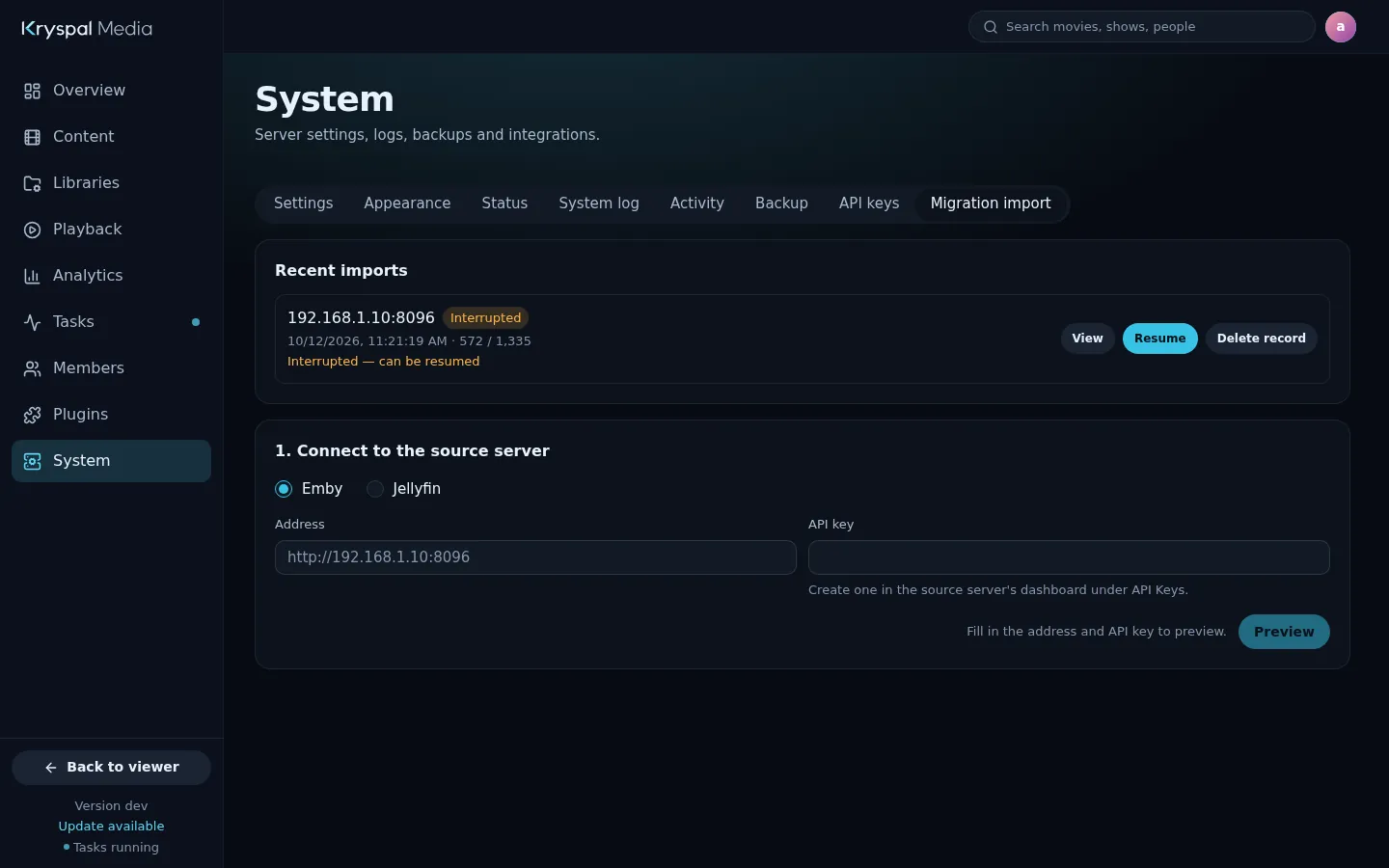
Connect to your existing Emby or Jellyfin server and import libraries, members and watch history in one go. Your server keeps running during the import.
- Libraries, members, watch history and favorites
- Path mapping for Docker-style mounts
- A report of what was imported and what was not
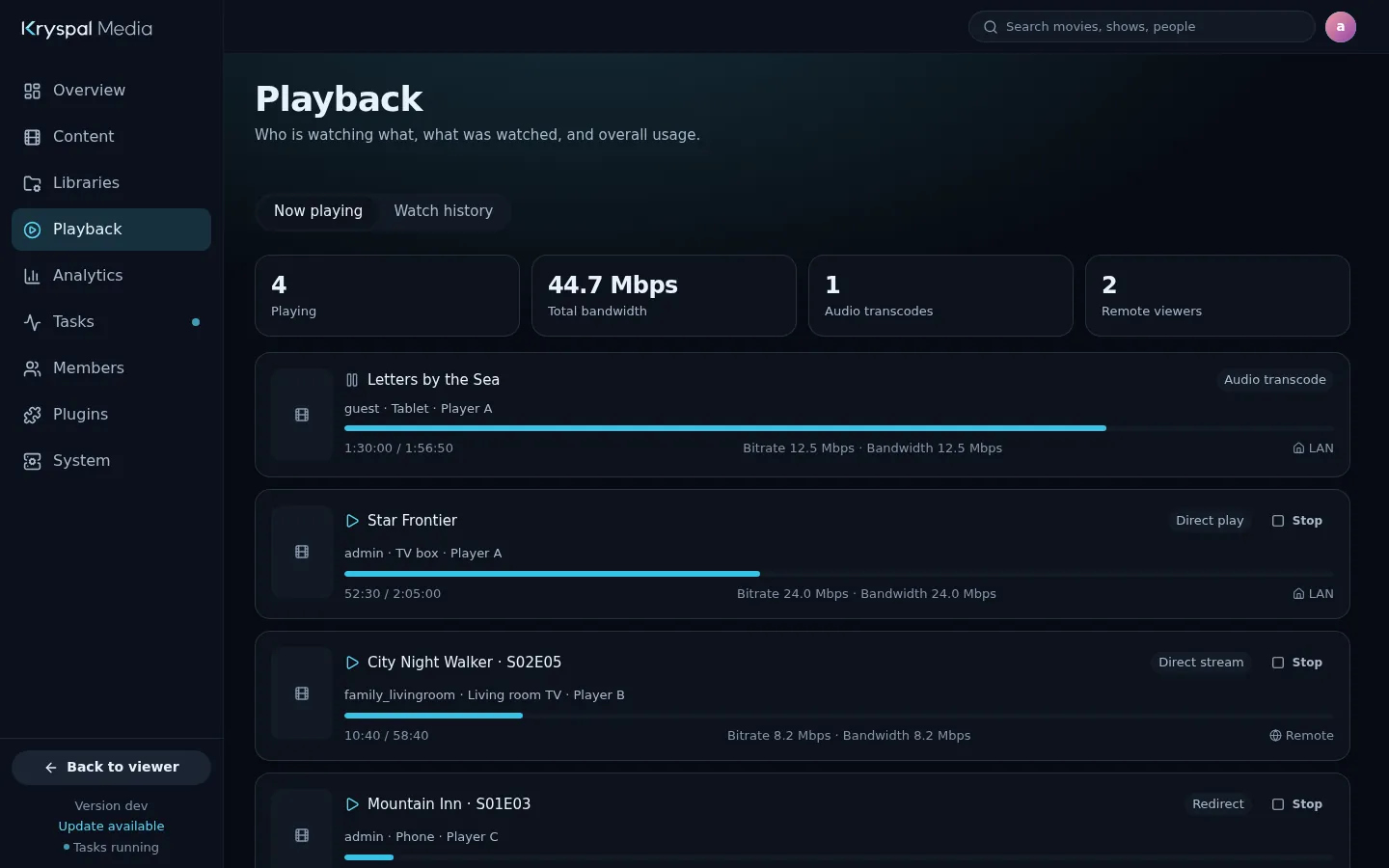
Admin console
See what is happening. Fix it from there.
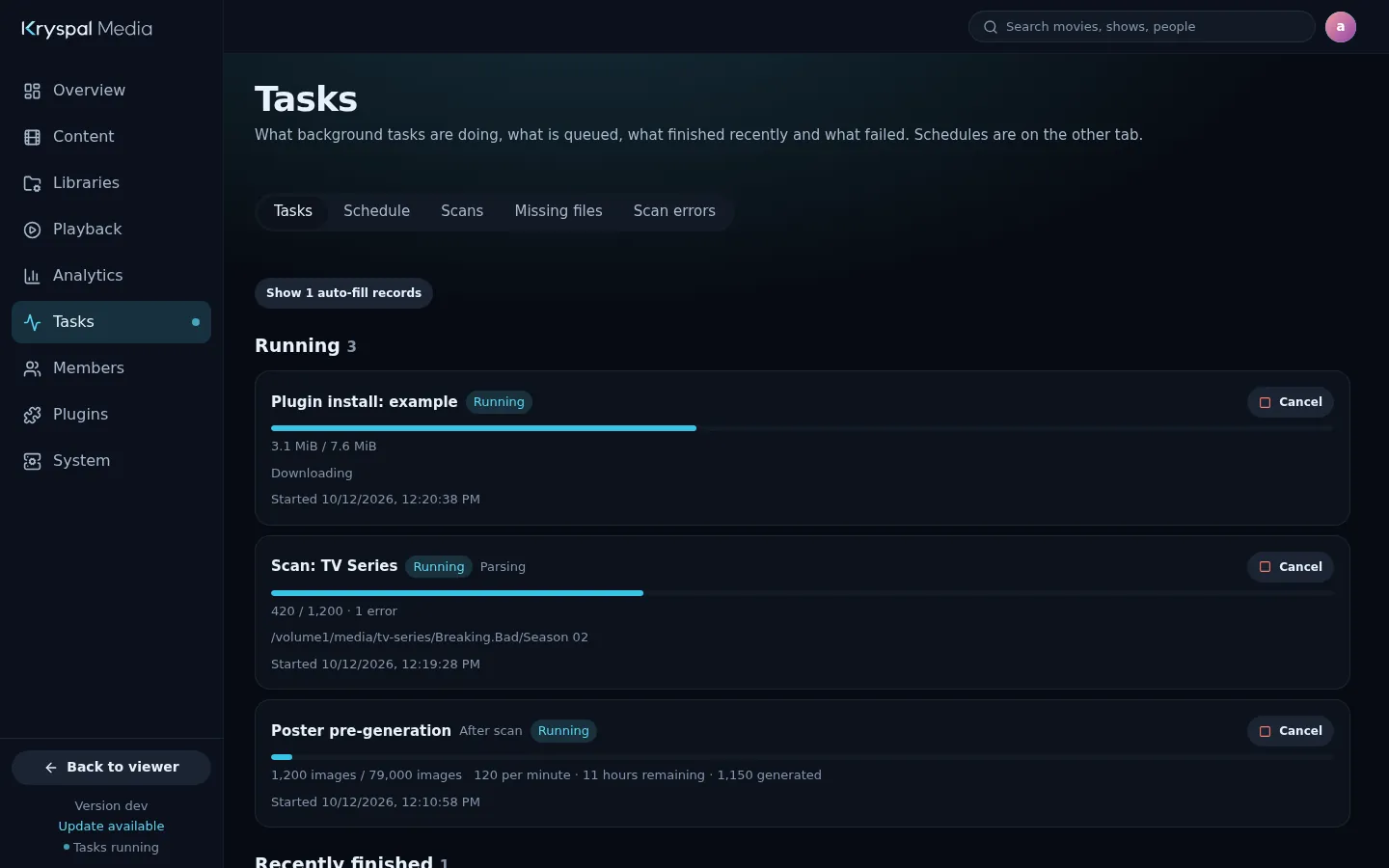
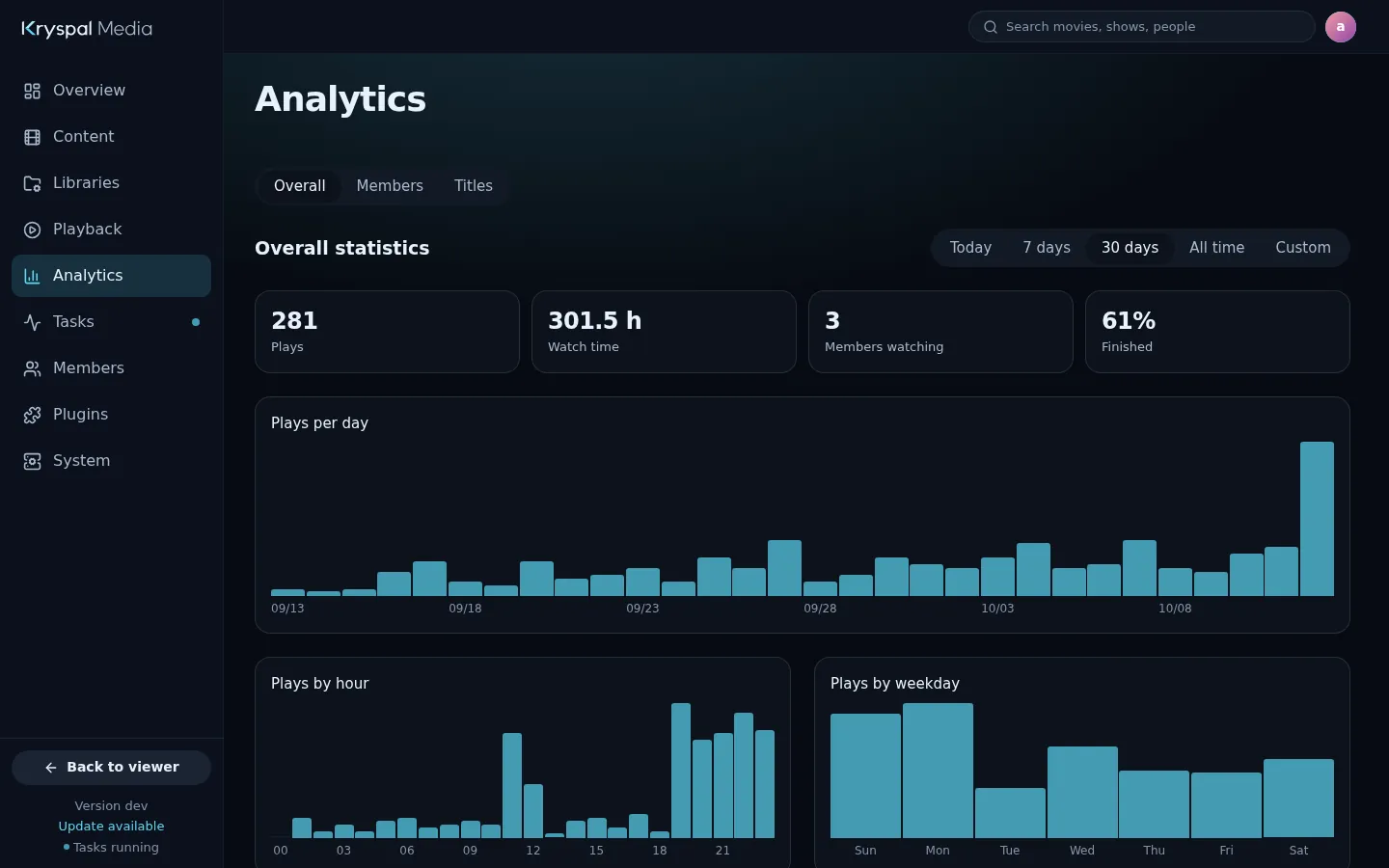
A task center for scans and scraping, an analytics center for who watched what, and live monitoring of what is playing right now. Problems are listed with what to do next.
- Task center
- Analytics center
- Real-time monitoring
Plugins
Extend it your way.
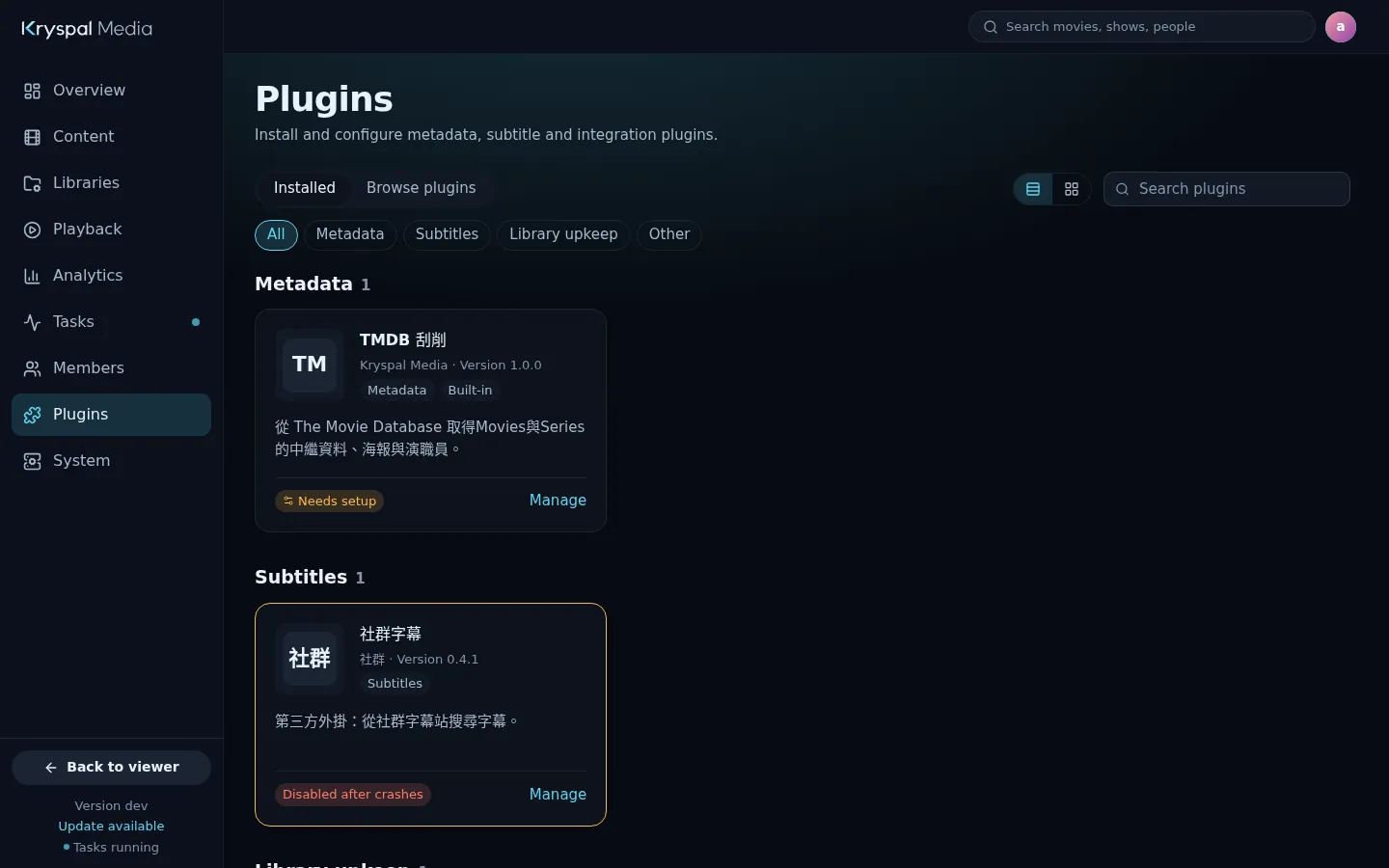
Add features with plugins, installed and managed from the console. Extra metadata sources, and sources for danmaku comments, arrive this way.
- Install and update from the console
- Each plugin has its own settings page
Languages
Speaks your language.
The viewer and the admin console come in English, Simplified Chinese and Traditional Chinese. Everyone picks their own, and it follows them across devices.
- Per-member language
- Metadata language chosen per library
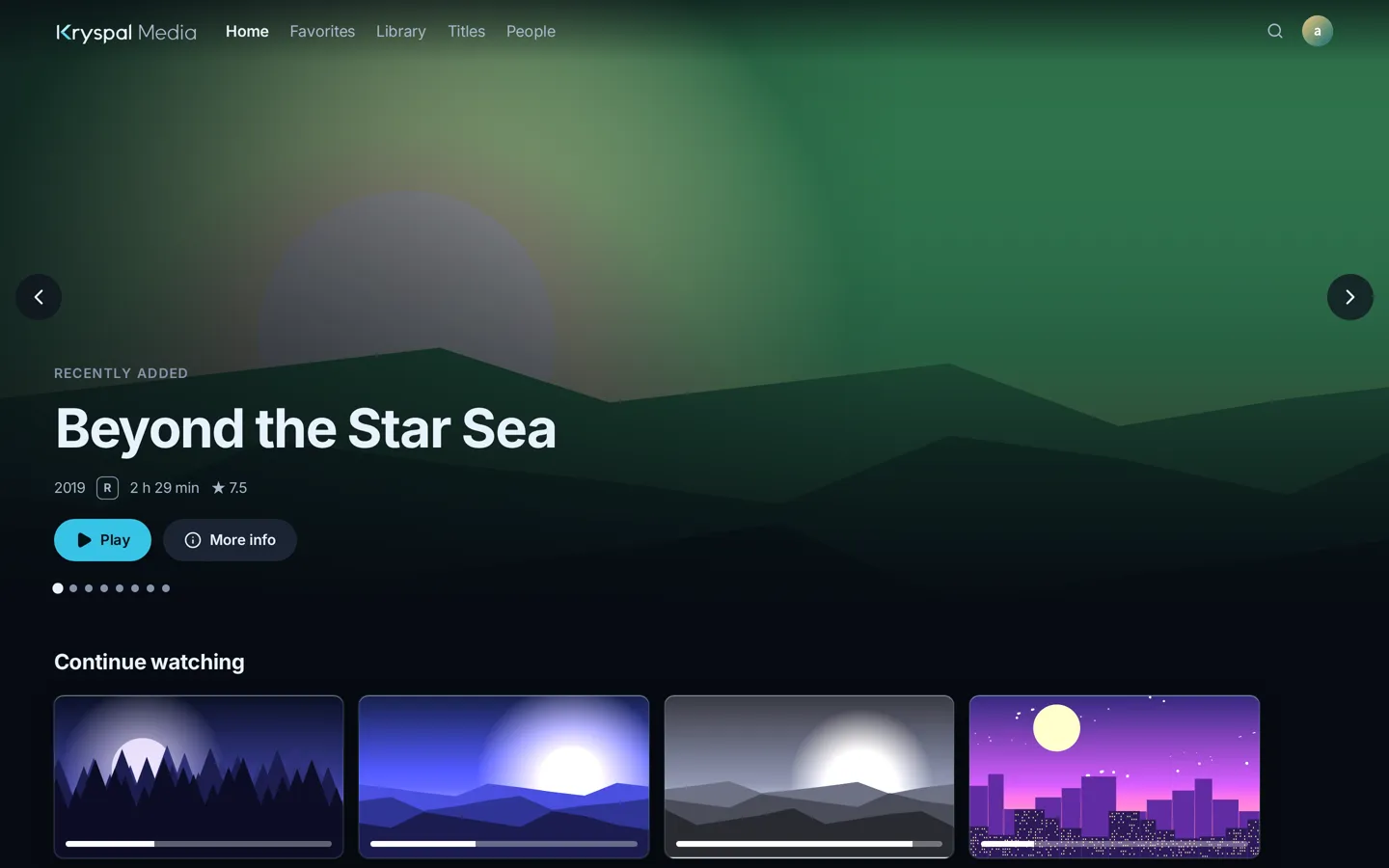
English
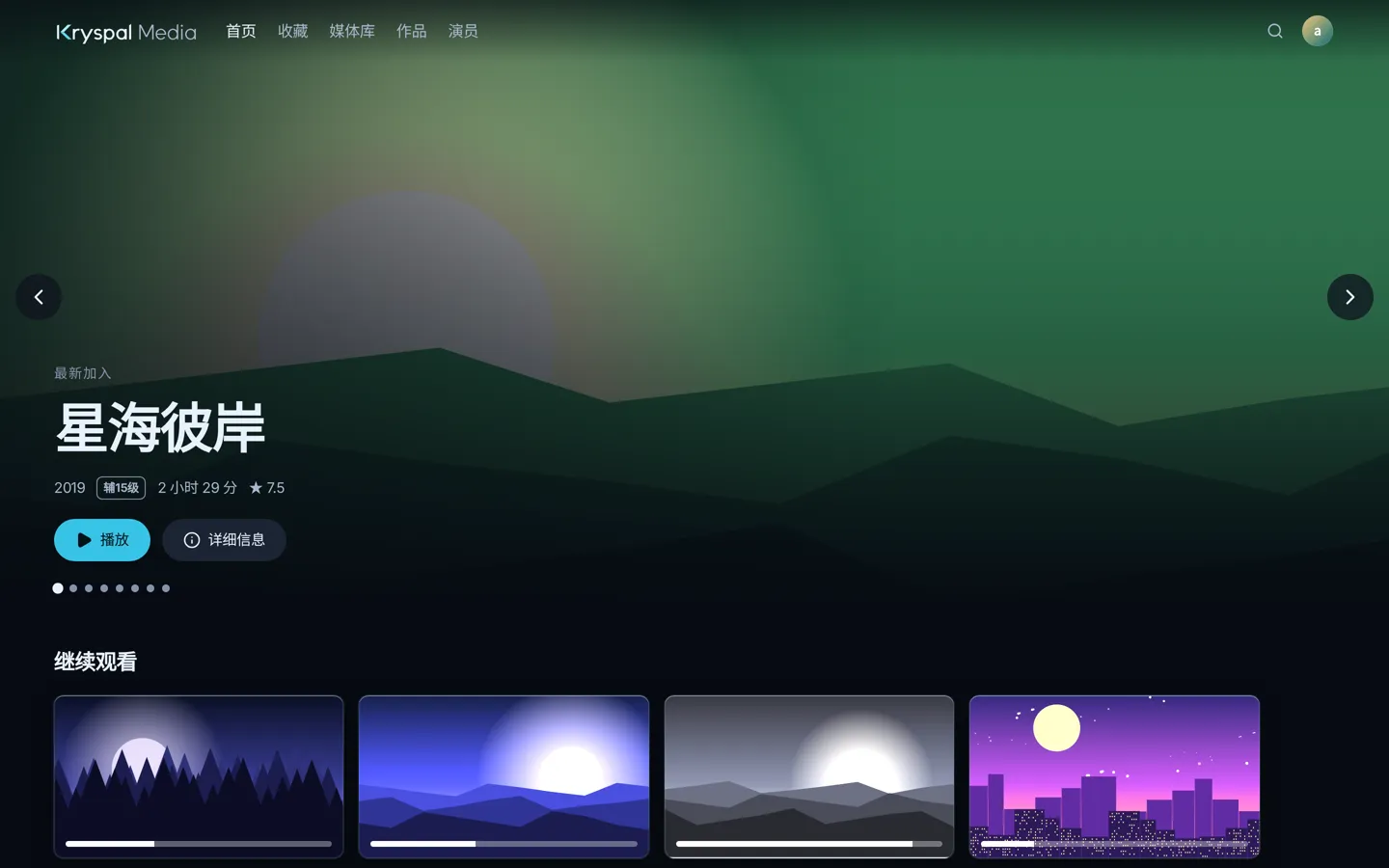
简体中文
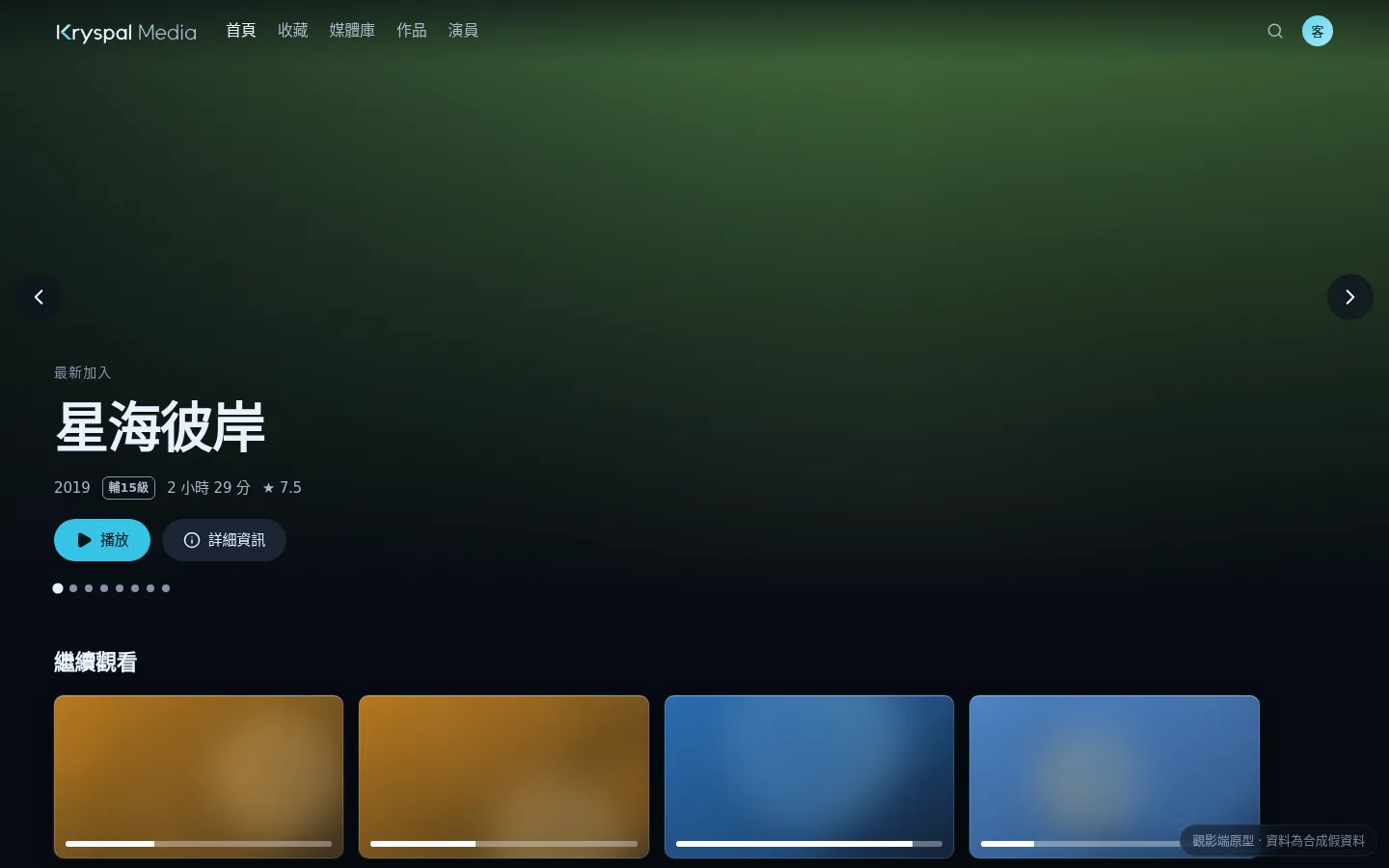
繁體中文